3Dazer Tutorial
Welcome to the tutorial. Find more information on how to use 3Dazer here. Select a chapter below to start.Chapter 1: How to get started
Chapter 2: How to manage projects
Chapter 3: How to measure with 3Dazer
Chapter 4: How to label an image
Chapter 5: How to sketch a floor plan
Chapter 6: How to sync data
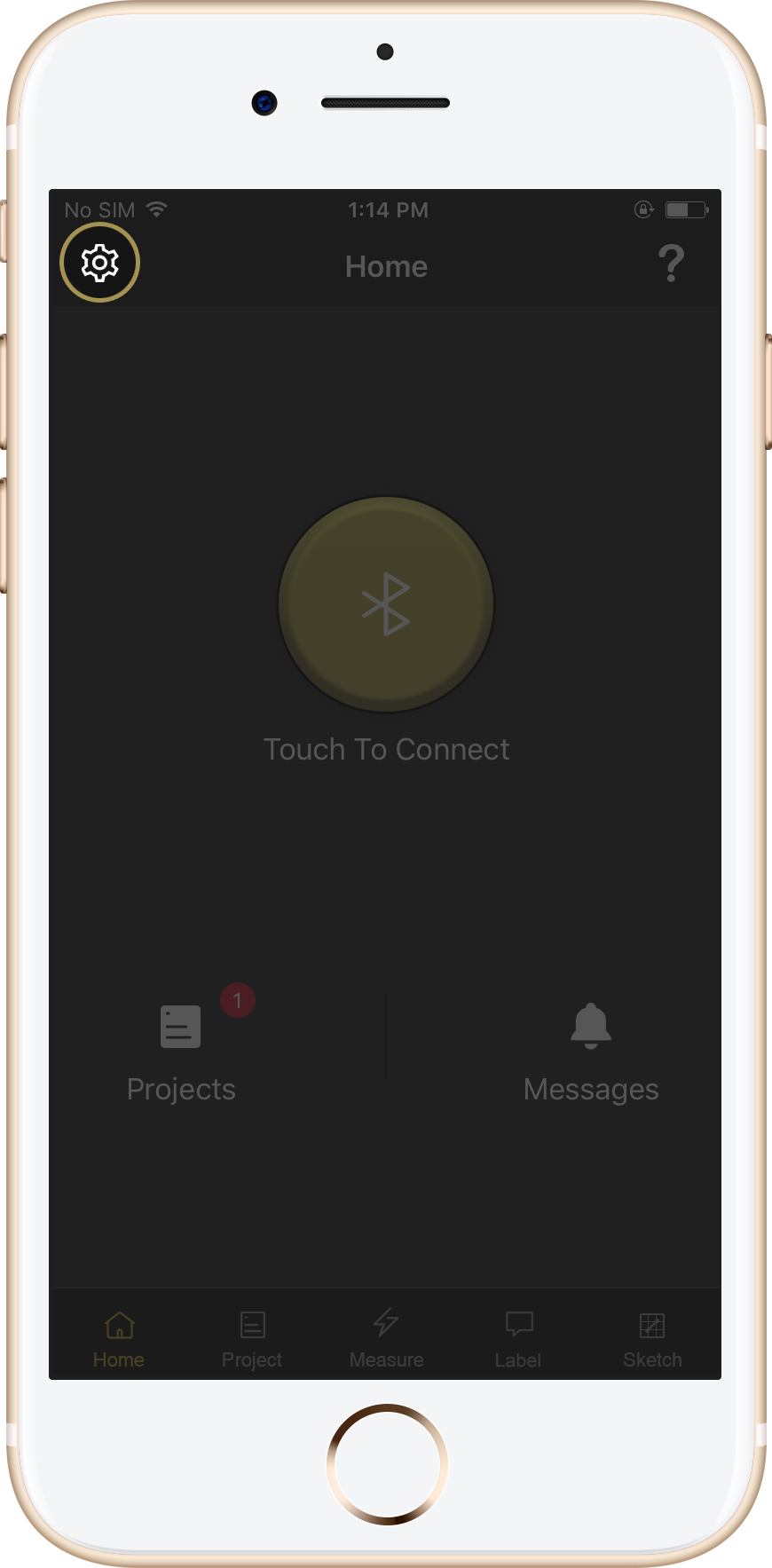
Step 1
Press the Settings
icon in the upper-left hand corner
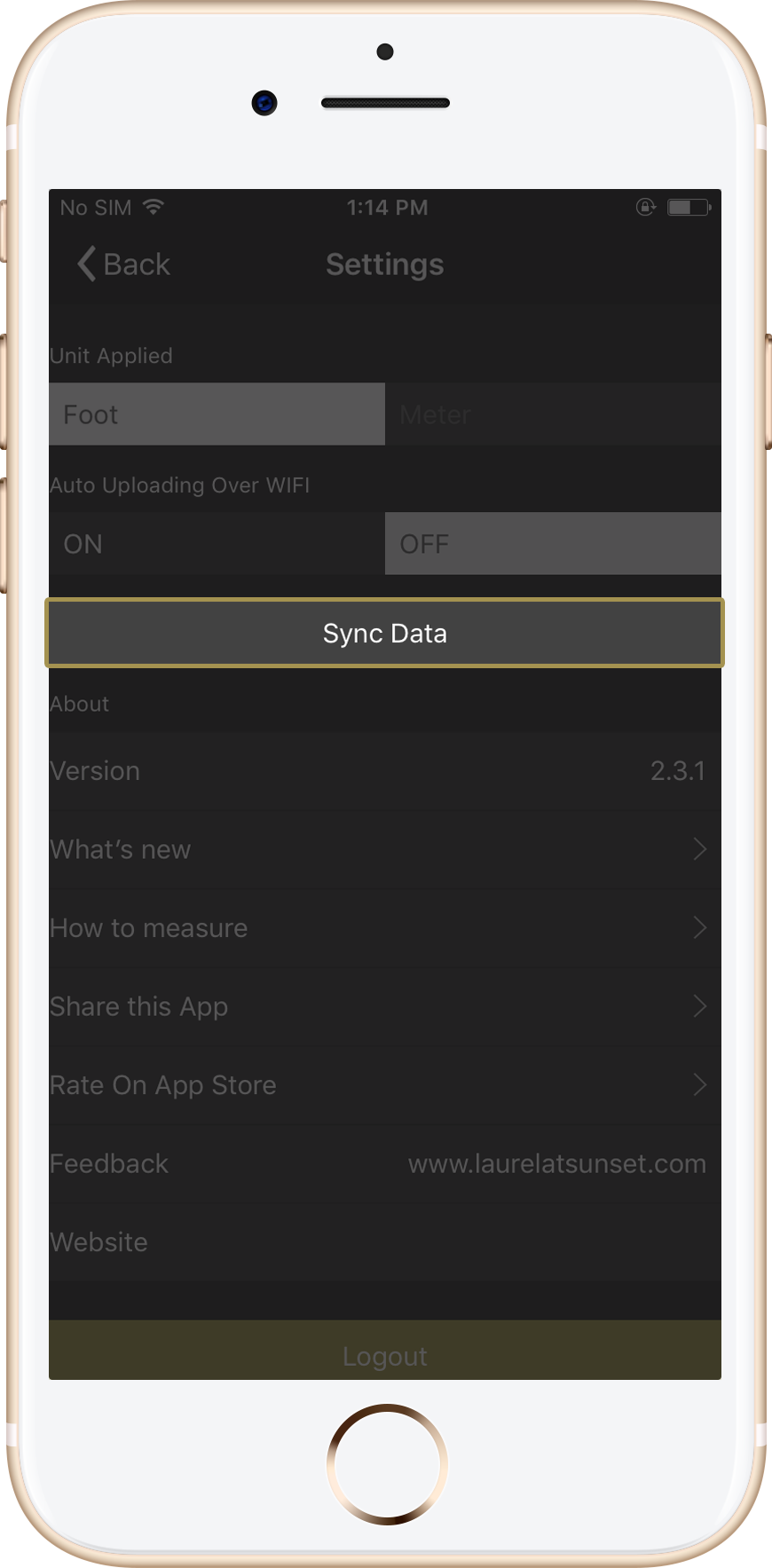
Step 2
Press Sync
Data
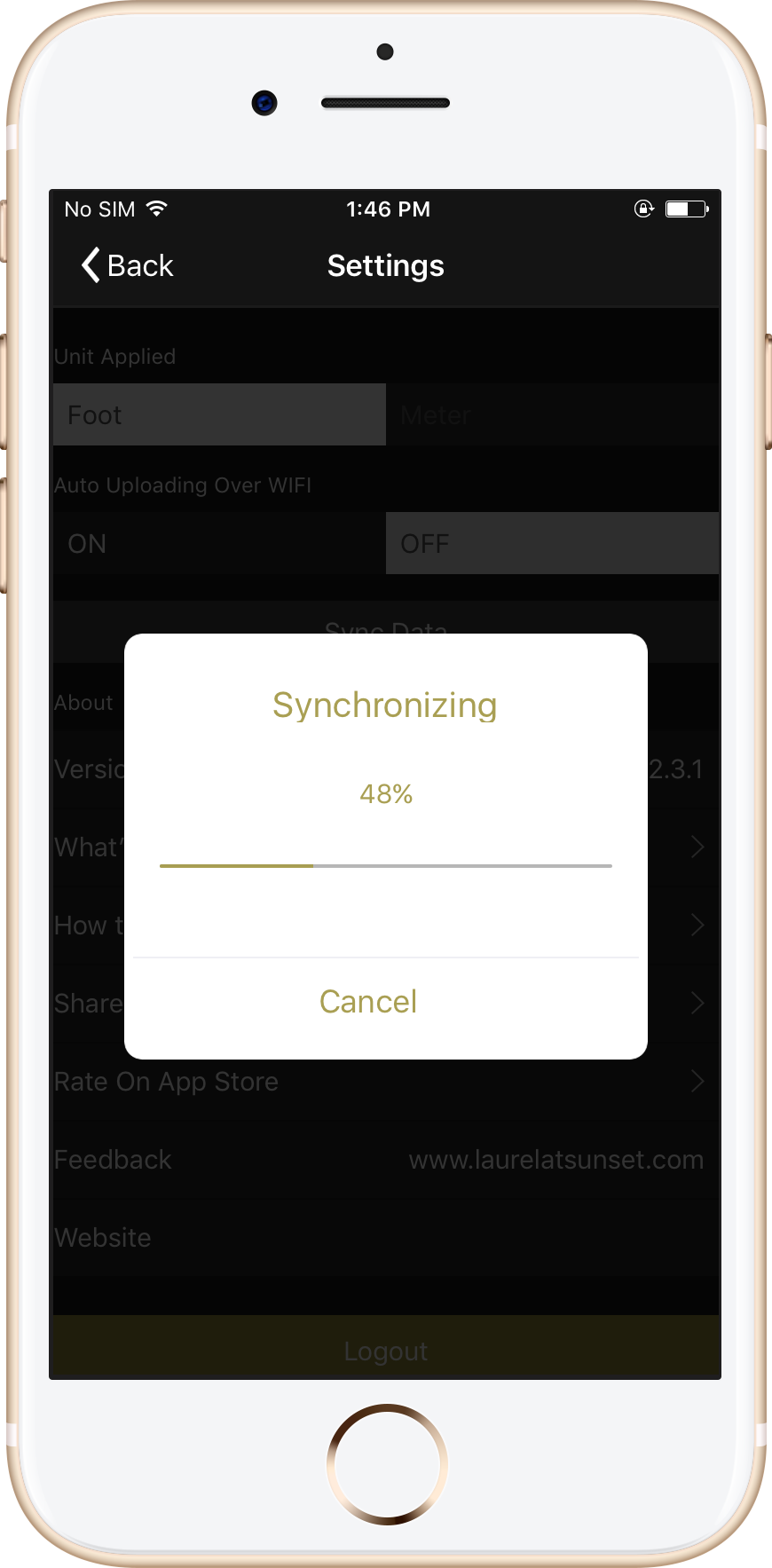
Step 3
Wait while synchronization
is in progress
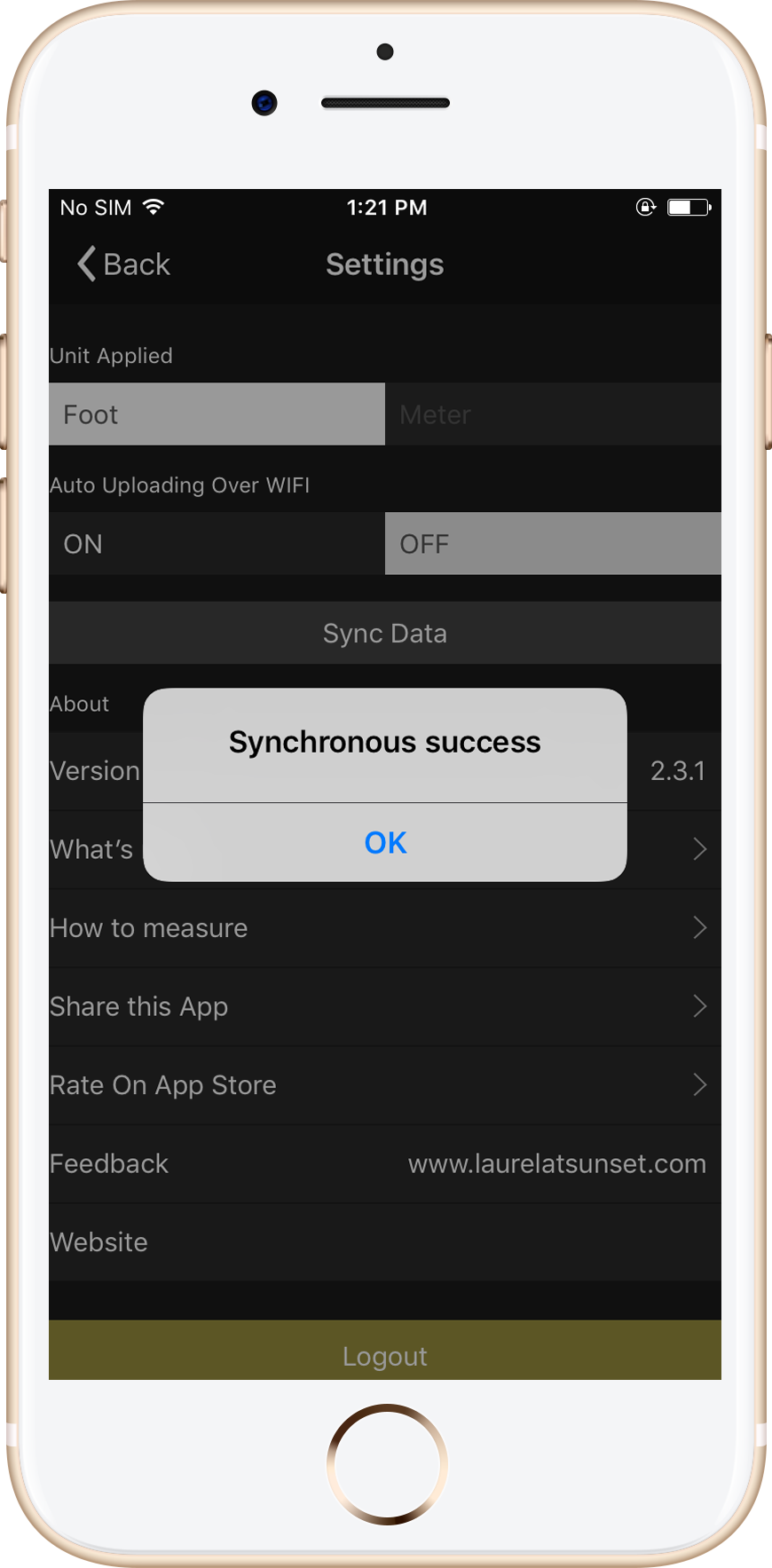
Step 4
Success! Your account is
synced with the cloud